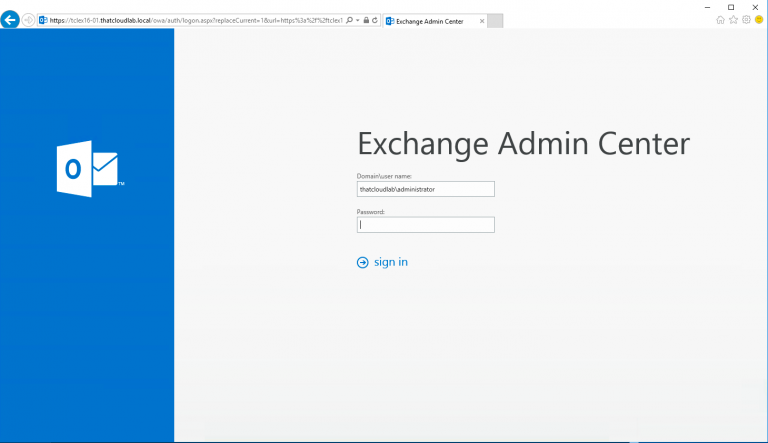
How to configure Exchange 2016 Internal and External Url’s
|

How to configure Exchange 2016 Internal and External Url’s

How to configure Exchange 2016 Internal and External Url’s Let’s look at how we can configure the Exchange 2016 Internal and External Url’s. To get started we first need to verify what the current URLs is and then go ahead and modify them. The following can be used to get the current URL’s used. Get-OutlookAnywhere…

Exchange 2010 SP3 Rollup 17 Failed: Setup ended prematurely.
| |

Exchange 2010 SP3 Rollup 17 Failed: Setup ended prematurely.

Exchange 2010 SP3 Rollup 17 Failed: Setup ended prematurely. When you run the Exchange 2010 SP2 Rollup 17 setup, you receive the follow error message. To resolve this issue, you can start the setup using and elevated command prompt. After running the Setup with elevated command prompt it completed suscessfully . To verify the version…

Installing Exchange 2016 with Exchange 2010 Co-Existing
| | | |

Installing Exchange 2016 with Exchange 2010 Co-Existing

Installing Exchange 2016 with Exchange 2010 Co-Existing In this Post, I will look at Installing Exchange 2016 on Windows Server 2016 co-existing with Exchange 2010. Exchange 2016 can only co-exist if the following requirements is met. Exchange 2016 consist of only two major Roles which is the Mailbox and Edge Transport Role. The Mailbox Server…

Error creating new Mailbox Database Exchange 2010
| |

Error creating new Mailbox Database Exchange 2010

Error creating new Mailbox Database Exchange 2010 When you try and create a new Mailbox Database, you receive the following Error: How do we resolve this error, to start we need to look at our current AD Server settings in Exchange and that can be checked using the following cmdlet. Get-ADServerSettings As we can see…

Create Exchange 2010 Database Availability Group (DAG)
| |

Create Exchange 2010 Database Availability Group (DAG)

Create Exchange 2010 Database Availability Group (DAG) In this post, I will go through the process of creating a DAG in Exchange 2010 SP3. This post will cover the creation of the DAG using Exchange Management Shell. Like any other service the DAG has some pre-requisites that needs to be met. Firstly, let’s go ahead…

Set-CalendarProcessing: ResourceDelegates can only be enabled on resource mailboxes.
|

Set-CalendarProcessing: ResourceDelegates can only be enabled on resource mailboxes.

Microsoft Exchange Error: ResourceDelegates can only be enabled on resource mailboxes.   During the process of adding additional Room Mailbox resource delegates, I received the following error: Resource Delegates can only be enabled on resource mailboxes. This is an pretty straight forward error to resolve, in the current environment where I am facing this error…