

How to Export Office 365 Group Members using PowerShell
How to Export Office 365 Group Members using PowerShell.
In this post, we will look at how to quickly export the Membership of an Office 365 Group.
To get Started we need to connect to Office 365 PowerShell, the following script can be used to connect HERE.
Once you have a successful connection to Office 365, run the following cmdlet.
Get-UnifiedGroup -Identity *
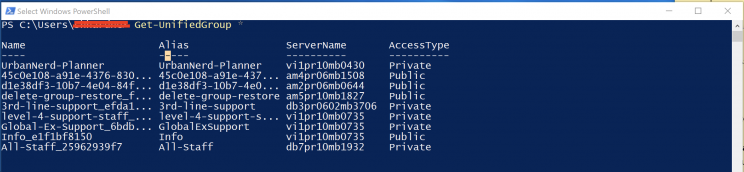
This cmdlet will will give you an output of all the existing Office 365 Groups in your tenant.
Next we can run the following cmdlet to get the users of the Group “All-Staff”
Get-UnifiedGroup -Identity "All-Staff" |Get-UnifiedGroupLinks -LinkType Member
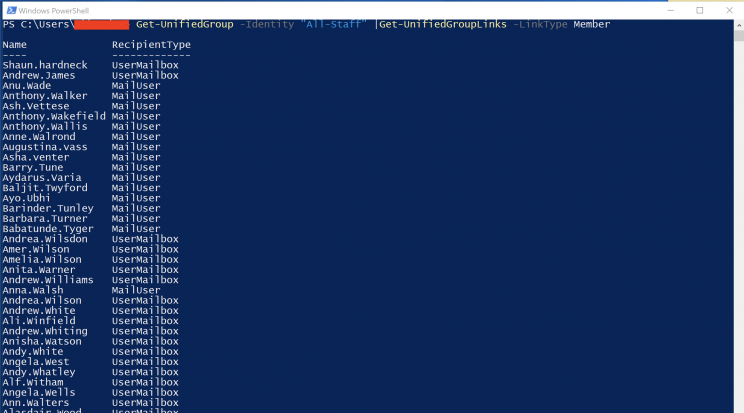
This cmdlet provides you with the members of the Office 365 Groups “All-Staff“.
We can also export all these results to an csv file using the following cmdlet.
Get-UnifiedGroup -Identity "All-Staff" |Get-UnifiedGroupLinks -LinkType Member |select Name,PrimarySMTPAddress |export-csv c:\softlib\O365GroupAllStaff.csv

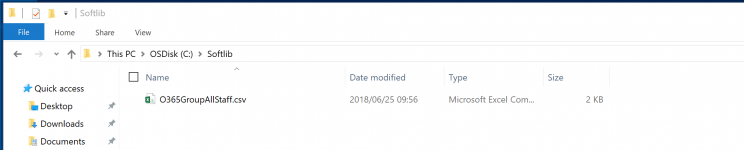
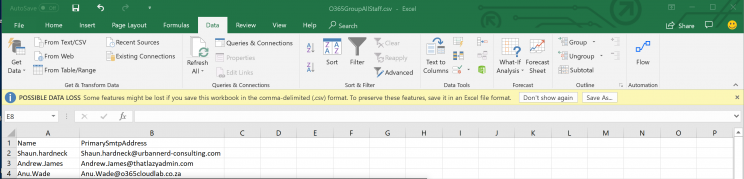
and here is our export in csv format.







This PS code saved me A LOT of aggravation and was perfect for what I needed. Thanks, brother!