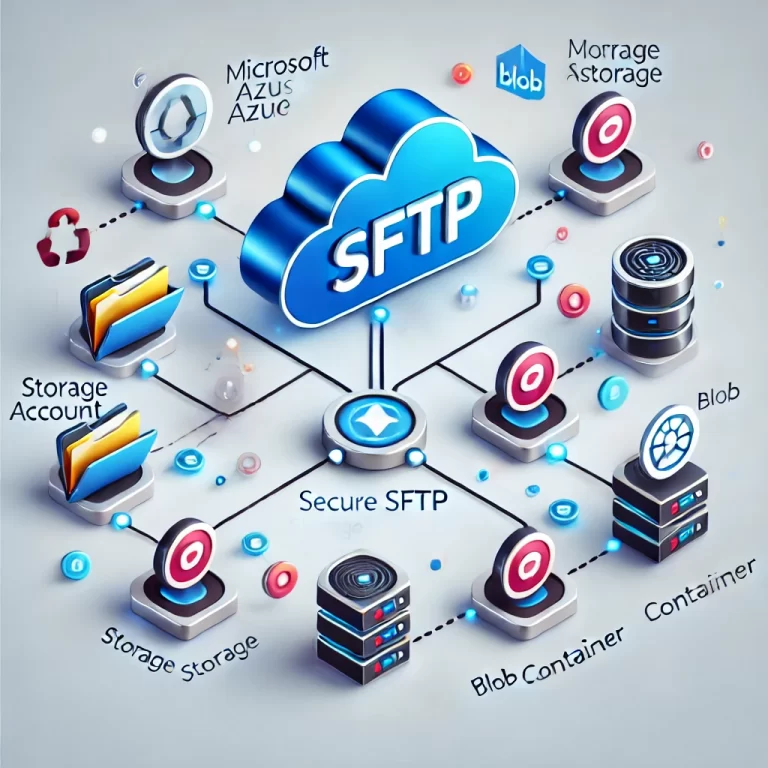
How to Configure SFTP in Microsoft Azure
| | | |

How to Configure SFTP in Microsoft Azure

How to Configure SFTP in Microsoft Azure In today’s fast-paced digital world, securely transferring files between systems is crucial for many businesses. Whether you’re sharing sensitive documents, migrating data between servers, or collaborating on projects, SFTP (Secure File Transfer Protocol) ensures that your data is transmitted securely over encrypted channels. But while SFTP offers robust…

Guide to Setting up Azure File Share and Connecting via Private Endpoint
| | | |

Guide to Setting up Azure File Share and Connecting via Private Endpoint

Guide to Setting up Azure File Share and Connecting via Private Endpoint Azure File Share is a managed file storage service in the cloud that provides the ability to mount file shares across your network or connect to them securely via private endpoints. Connecting through a private endpoint ensures that your data remains within your…

How to Create a New Host Pool in Nerdio Manager for Azure Virtual Desktop
| | | | | | | | |

How to Create a New Host Pool in Nerdio Manager for Azure Virtual Desktop

How to Create a New Host Pool in Nerdio Manager for Azure Virtual Desktop Creating a new host pool is one of the essential steps in setting up your Azure Virtual Desktop (AVD) environment using Nerdio Manager. After creating your desktop images, you can easily configure and deploy host pools. Host pools are collections of…

Blog Post Series: Getting Started with Nerdio in Microsoft Azure
| | | |

Blog Post Series: Getting Started with Nerdio in Microsoft Azure

Blog Post Series: Getting Started with Nerdio in Microsoft Azure Part 1: Setting Up Nerdio from the Azure Marketplace Introduction: What is Nerdio and Why is it Amazing? Nerdio has quickly become a game-changer for IT professionals managing cloud environments, especially when it comes to Virtual Desktop Infrastructure (VDI). In a world where businesses are…

How to Disable Network Level Authentication (NLA) on an Azure Virtual Machine Using Azure Run Command

How to Disable Network Level Authentication (NLA) on an Azure Virtual Machine Using Azure Run Command

How to Disable Network Level Authentication (NLA) on an Azure Virtual Machine Using Azure Run Command In some situations, administrators may need to disable Network Level Authentication (NLA) on Azure Virtual Machines (VMs), especially when troubleshooting Remote Desktop Protocol (RDP) access issues or enabling compatibility with older systems that do not support NLA. While NLA…

Understanding Microsoft Azure Virtual Desktop Session Lock: Enhancing Security and User Experience
|

Understanding Microsoft Azure Virtual Desktop Session Lock: Enhancing Security and User Experience

Understanding Microsoft Azure Virtual Desktop Session Lock: Enhancing Security and User Experience Azure Virtual Desktop (AVD) continues to revolutionize how organizations manage virtual desktops in the cloud, offering flexibility, scalability, and enhanced security. One essential aspect of using AVD effectively is understanding and configuring the Session Lock Behavior. This feature controls what happens when a…

Securing Microsoft Teams: Disabling Teams Channel Email Addresses
| | | | |

Securing Microsoft Teams: Disabling Teams Channel Email Addresses

Securing Microsoft Teams: Disabling Teams Channel Email Addresses Microsoft Teams offers the feature of Teams channel email addresses, allowing users to email content directly to a Teams channel. However, this feature can pose security risks if not managed carefully. Why Disable Teams Channel Email Addresses? The email addresses associated with Teams channels are not within…

Step-by-Step Guide to Running the Defender for Identity Sizing Tool
|

Step-by-Step Guide to Running the Defender for Identity Sizing Tool

In this post, I’ll walk you through how to run the Microsoft Defender for Identity Sizing Tool on your domain controllers. This tool is essential to ensure that your environment is ready to deploy Microsoft Defender for Identity by analyzing and reporting on key system metrics like CPU, memory, storage, and bandwidth requirements. Here’s a…

Optimizing Attack Surface Reduction (ASR) Exclusions on Microsoft Servers: Best Practices with Intune
| |

Optimizing Attack Surface Reduction (ASR) Exclusions on Microsoft Servers: Best Practices with Intune

Optimizing Attack Surface Reduction (ASR) Exclusions on Microsoft Servers: Best Practices with Intune When managing file and process exclusions for Attack Surface Reduction (ASR) rules on Microsoft servers using Intune Security policies, it’s essential to follow best practices to ensure that security is not compromised while maintaining the functionality of necessary applications and services. Here’s…

Automate Microsoft Defender for Endpoint Deployment on Windows Server 2012 R2 and 2016
|

Automate Microsoft Defender for Endpoint Deployment on Windows Server 2012 R2 and 2016

Automate Microsoft Defender for Endpoint Deployment on Windows Server 2012 R2 and 2016 Introduction Ensuring that servers are protected with the latest security measures is crucial for maintaining a secure IT environment. Microsoft Defender for Endpoint is an essential component in this strategy, providing robust protection against a wide range of threats. However, deploying Defender…

Efficiently Copy Entra ID Device Group Members with PowerShell
| | | | | | |

Efficiently Copy Entra ID Device Group Members with PowerShell

Efficiently Copy Entra ID Device Group Members with PowerShell The Copy-EntraIDDeviceGroupMembers.ps1 script is designed to make your life easier by automating the process of copying members between Entra ID device groups. This script prompts you for the names of the source and destination groups, retrieves all members from the source group, and adds them to…

Enhancing Security with Idle Session Timeout in Microsoft 365
| | | | | | |

Enhancing Security with Idle Session Timeout in Microsoft 365

Enhancing Security with Idle Session Timeout in Microsoft 365 Idle sessions can pose a significant security risk, especially on unmanaged devices. Configuring idle session timeouts helps mitigate this risk by automatically signing out users after a specified period of inactivity. This blog post will guide you through the process of setting up an idle session…