
Assign Import Export Permission in Office 365
|

Assign Import Export Permission in Office 365

Assign Import Export Permission in Office 365 To assign the new permission, do the following. Launch the Exchange Online Admin Console Click Permissions Admin Role and select “Organization Management” Click the “pen” to edit the role From within the Organization Management Role, click on + under roles. Click on the Mailbox Import Request, Then click…
Exchange 2016 Hybrid Configuration
| | | |

Exchange 2016 Hybrid Configuration

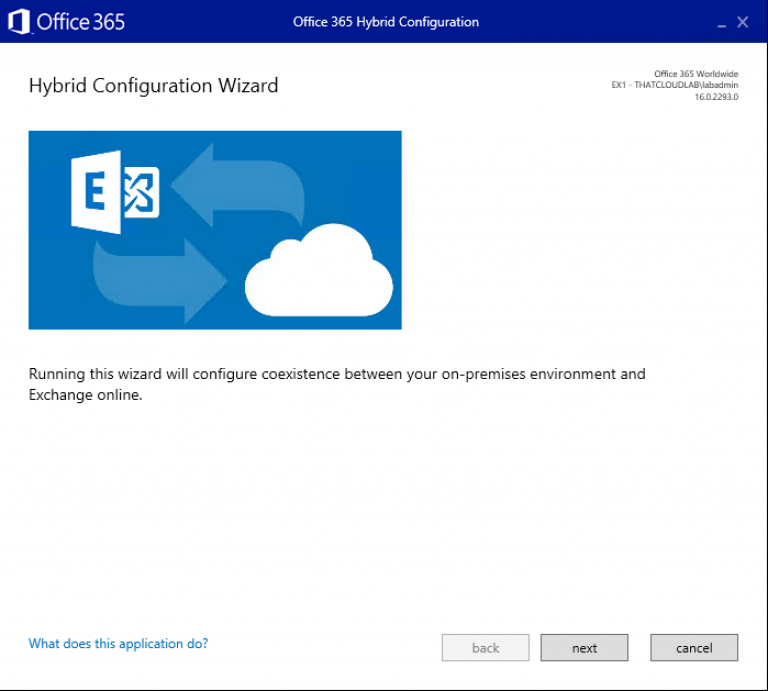
Exchange 2016 Hybrid Configuration A hybrid deployment is a combination of on-premises applications and cloud-based services. For example, Exchange hybrid solutions could include using an Exchange Server on-premises and Exchange Online in Office 365. There are multiple ways to configure mail routing with a hybrid organisation, but for the purpose of this blog post, the focus will be on a non-centralised mail routing. What…

How to Configure ADFS Web Application Proxy for ADSF
| | |

How to Configure ADFS Web Application Proxy for ADSF

How to Configure ADFS Web Application Proxy for ADFS This post will cover the steps needed to configure the ADFS Web Application proxy. What is an ADFS Web Application Proxy? WAP provides reverse proxy functionality for web applications in the corporate network which allows users on most devices to access internal web applications from external…

Configure ADFS for Office 365
| |

Configure ADFS for Office 365

Configure ADFS for Office 365 Requirements: External DNS records for example: fs.o365cloudlab.co.za Internal DNS records for example: fs.thatcloud.com Valid SSL Certificate Service Account with Domain Admin rights More about the requirement can be found here at the Microsoft blog. To get started we need to install the ADSF roles and features. Run Windows PowerShell as…

Create and Complete new Exchange Certificate Request
|

Create and Complete new Exchange Certificate Request

Create and Complete new Exchange Certificate Request. The post will cover a quick guide on how to create a new Exchange Certificate Request as well and Completing the certificate request. To get started, the request file can be created from the Exchange Admin Console by following steps. From the EAC Click on Servers – Certificates…

Error Removing Exchange 2016 Mailbox Database: The mailbox database contains one or more mailboxes
|

Error Removing Exchange 2016 Mailbox Database: The mailbox database contains one or more mailboxes

Error Removing Exchange 2016 Mailbox Database: The mailbox database contains one or more mailboxes. You receive the following error when trying to remove an Exchange 2016 Mailbox Database. You have done the following already. -Move Arbitration mailboxes -Move User Mailboxes -Move Monitoring Mailboxes But yet you still receive the following error. To resolve this, we…

Installing Windows PowerShell on Mac
|

Installing Windows PowerShell on Mac

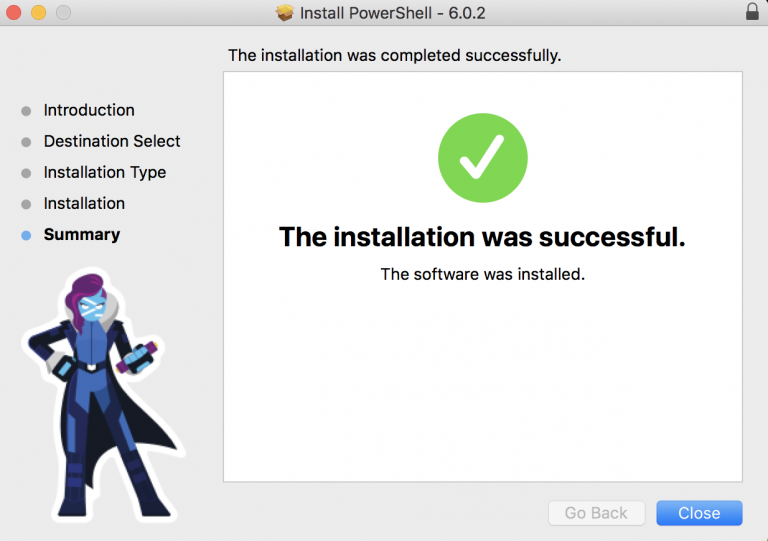
Installing Windows PowerShell on Mac To get started we need to download the PowerShell Module for OSX from the following website: https://github.com/PowerShell/PowerShell/releases/ Now that we have the install file, we can simply click on the .pkg file to start the installation. The installation is very simple and straight forward. Once the setup window appears click…

How to Export Exchange Online Transport Rules
|

How to Export Exchange Online Transport Rules

Export Exchange Online Transport Rules In this post, I will focus on how to export Exchange Online Transport rules using PowerShell. To get started we first need to establish a connection to Exchange Online or Office 365. Connect to Exchange Online PowerShell $UserCredential = Get-Credential Then $Session = New-PSSession -ConfigurationName Microsoft.Exchange -ConnectionUri https://outlook.office365.com/powershell-liveid/ -Credential $UserCredential…

How to find your Office 365 Tenant Location.
| |

How to find your Office 365 Tenant Location.

How to find your Office 365 Tenant Location. The following method can be used to find out where your Office 365 Tenant is hosted. First, we need to connect to Office 365 Exchange Online using the following: $credential = Get-Credential $msexonline = New-PSSession -ConfigurationName Microsoft.Exchange -ConnectionUri “https://outlook.office365.com/powershell-liveid/” -Credential $credential -Authentication “Basic” -AllowRedirection Import-PSSession $msexonline -DisableNameChecking…