Create and Complete new Exchange Certificate Request
|

Create and Complete new Exchange Certificate Request

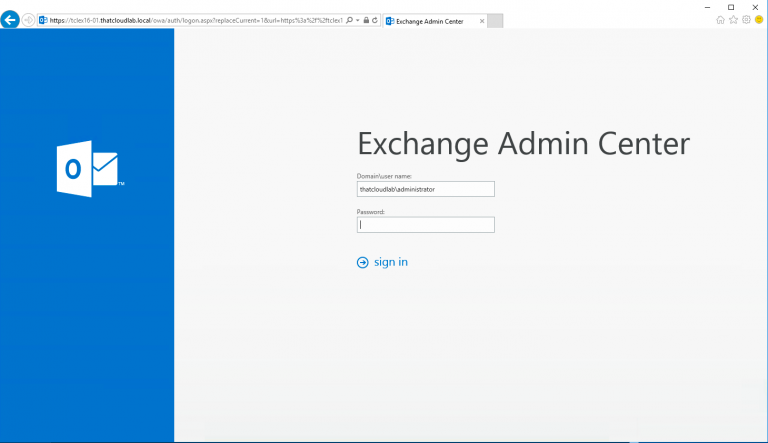
Create and Complete new Exchange Certificate Request. The post will cover a quick guide on how to create a new Exchange Certificate Request as well and Completing the certificate request. To get started, the request file can be created from the Exchange Admin Console by following steps. From the EAC Click on Servers – Certificates…

Error Removing Exchange 2016 Mailbox Database: The mailbox database contains one or more mailboxes
|

Error Removing Exchange 2016 Mailbox Database: The mailbox database contains one or more mailboxes

Error Removing Exchange 2016 Mailbox Database: The mailbox database contains one or more mailboxes. You receive the following error when trying to remove an Exchange 2016 Mailbox Database. You have done the following already. -Move Arbitration mailboxes -Move User Mailboxes -Move Monitoring Mailboxes But yet you still receive the following error. To resolve this, we…

Installing Windows PowerShell on Mac
|

Installing Windows PowerShell on Mac

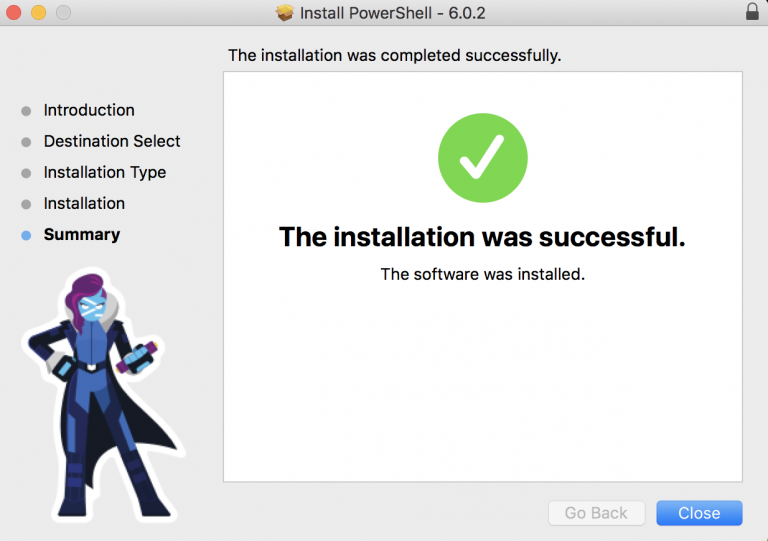
Installing Windows PowerShell on Mac To get started we need to download the PowerShell Module for OSX from the following website: https://github.com/PowerShell/PowerShell/releases/ Now that we have the install file, we can simply click on the .pkg file to start the installation. The installation is very simple and straight forward. Once the setup window appears click…

How to Export Exchange Online Transport Rules
|

How to Export Exchange Online Transport Rules

Export Exchange Online Transport Rules In this post, I will focus on how to export Exchange Online Transport rules using PowerShell. To get started we first need to establish a connection to Exchange Online or Office 365. Connect to Exchange Online PowerShell $UserCredential = Get-Credential Then $Session = New-PSSession -ConfigurationName Microsoft.Exchange -ConnectionUri https://outlook.office365.com/powershell-liveid/ -Credential $UserCredential…

How to find your Office 365 Tenant Location.
| |

How to find your Office 365 Tenant Location.

How to find your Office 365 Tenant Location. The following method can be used to find out where your Office 365 Tenant is hosted. First, we need to connect to Office 365 Exchange Online using the following: $credential = Get-Credential $msexonline = New-PSSession -ConfigurationName Microsoft.Exchange -ConnectionUri “https://outlook.office365.com/powershell-liveid/” -Credential $credential -Authentication “Basic” -AllowRedirection Import-PSSession $msexonline -DisableNameChecking…

Create mailbox message restrictions Exchange 2016
|

Create mailbox message restrictions Exchange 2016

Create mailbox message restrictions Exchange 2016 Message restriction can be useful to control who can send messages to users in your organization. For example, you can configure a mailbox to accept or reject messages from certain users or only to accept messages from your Exchange organization. Message restriction can be configured using EMC or the…

Creating Exchange 2016 Distribution Group Naming Policy.
|

Creating Exchange 2016 Distribution Group Naming Policy.

Creating Exchange 2016 Distribution Group Naming Policy. What is Group naming policy? Group naming policy lets you standardize and manage the names of distribution groups which are being created by users in the organization. The policy can prevent users from using specific words as well as help with preventing inappropriate group names. You can require…

How to configure Exchange 2016 Internal and External Url’s
|

How to configure Exchange 2016 Internal and External Url’s

How to configure Exchange 2016 Internal and External Url’s Let’s look at how we can configure the Exchange 2016 Internal and External Url’s. To get started we first need to verify what the current URLs is and then go ahead and modify them. The following can be used to get the current URL’s used. Get-OutlookAnywhere…